How we make
what you can't film.
This is how we work, one workflow at a time. Each method here has been tested on our own films and brought into productions alongside the crew, the edit and the people who sign it off.
Want the finished films? See our work →
Television keeps
changing channels.
Television has changed channels before. This studio film travels from the early days of live broadcast, through colour in the living room, to AI production, as one continuous camera journey.
Period streets, lost buildings, places you'd never get a permit for. Filmed in a grey room, finished anywhere.
Shoot it in a grey room,
finish it anywhere.
The actor performs for real on a simple grey set. We build the finished world on the first frame, get it signed off as a still, then carry the whole take into that world with the performance and the camera move intact.
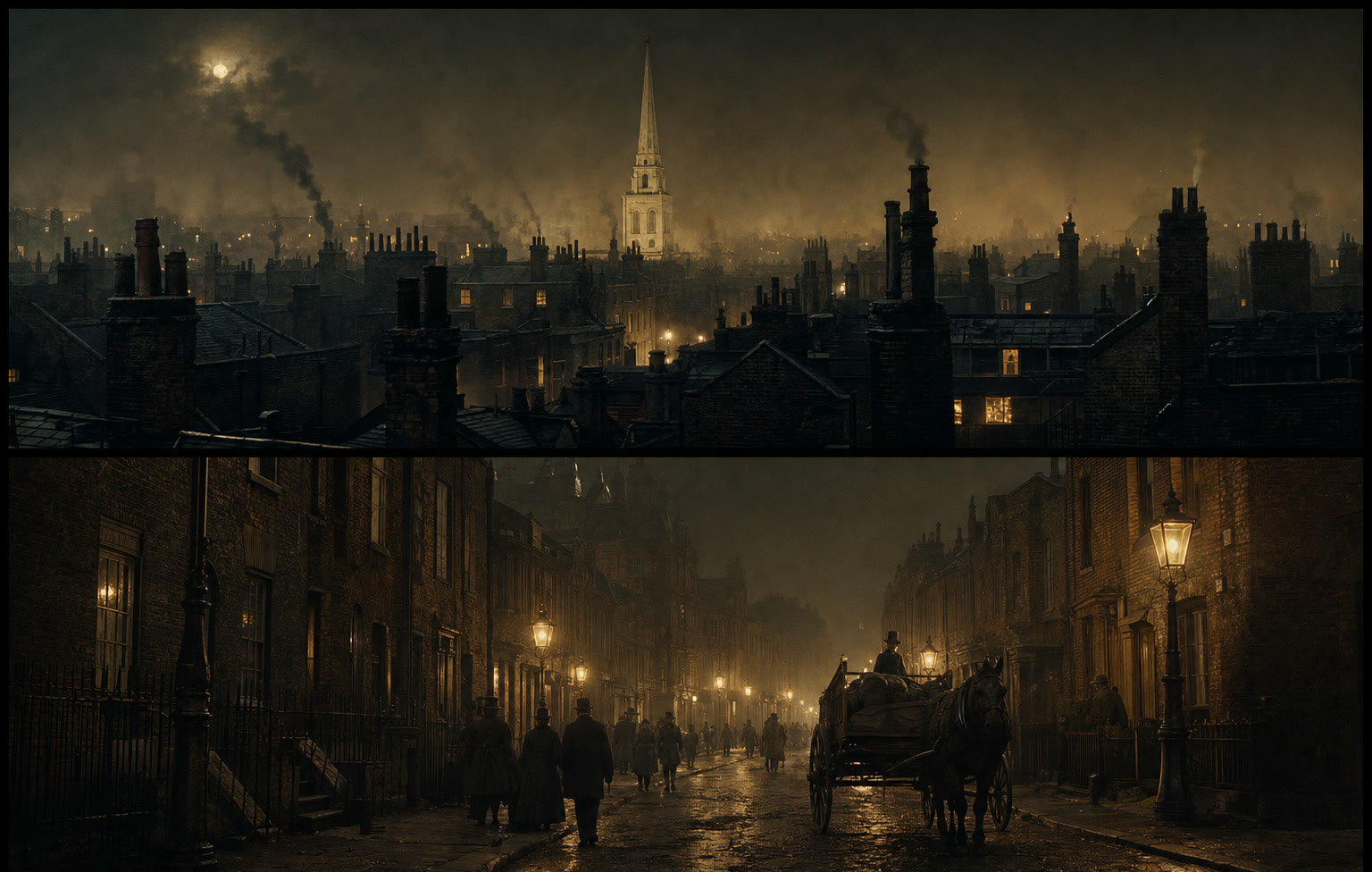
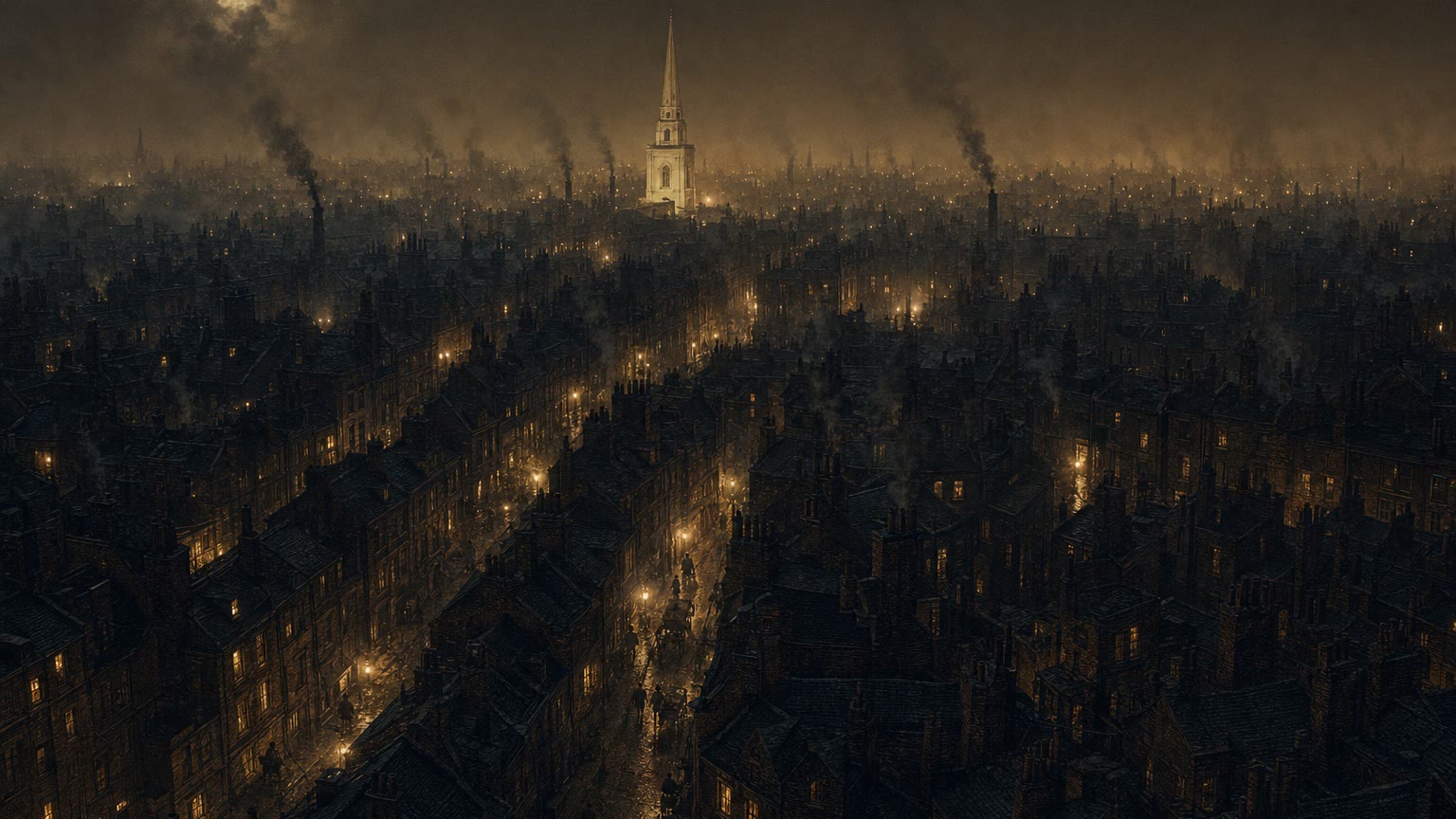
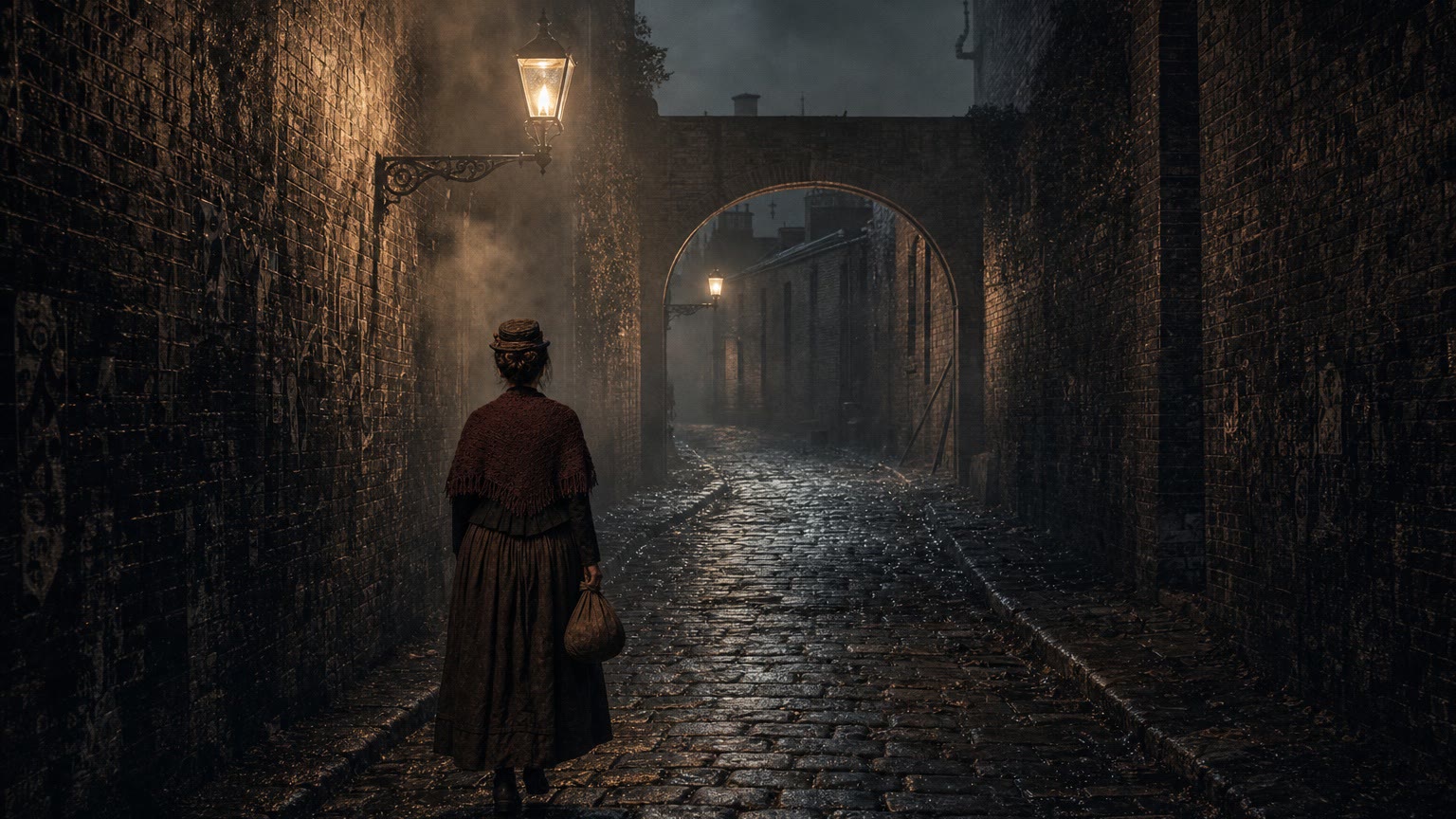
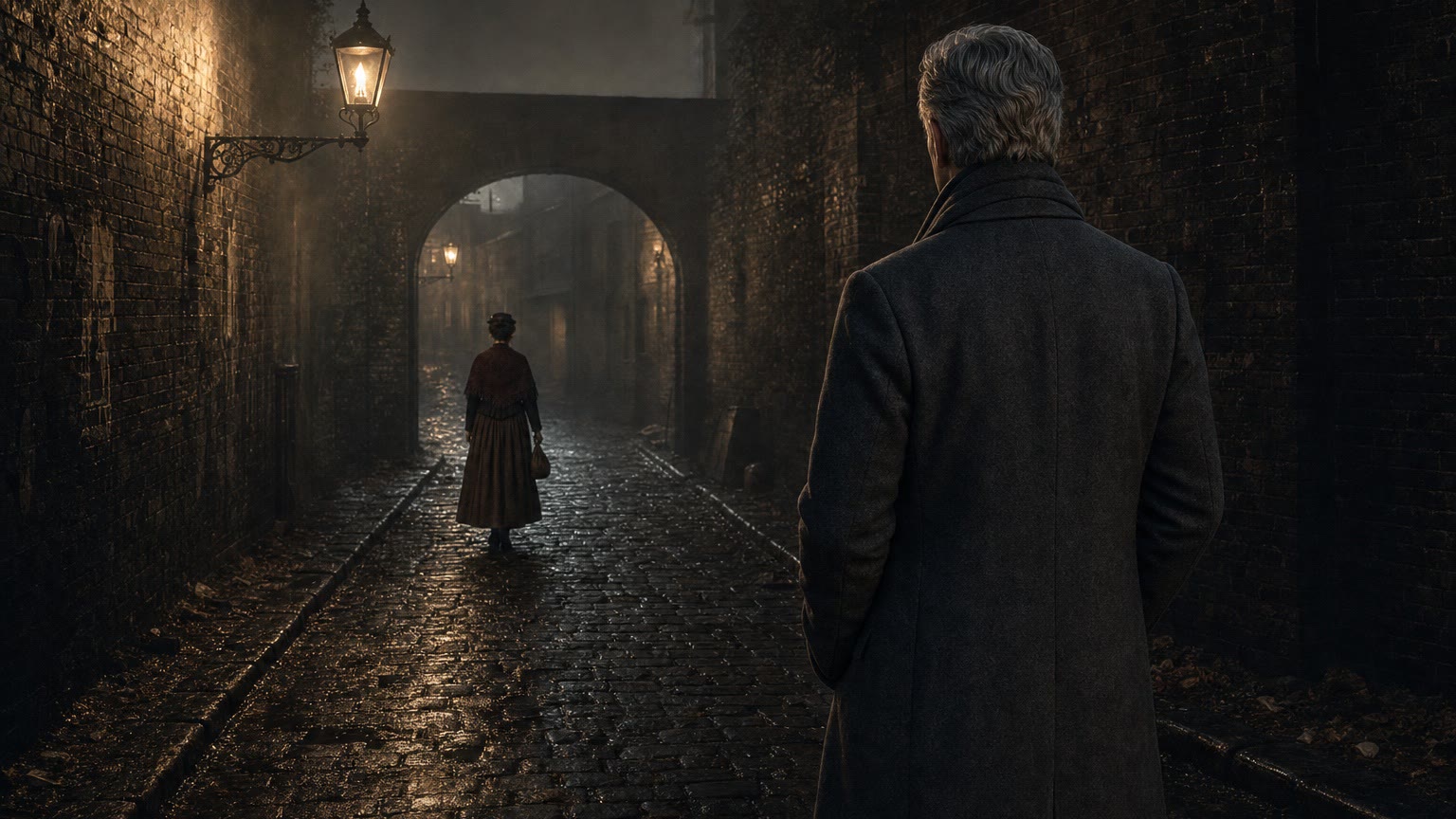
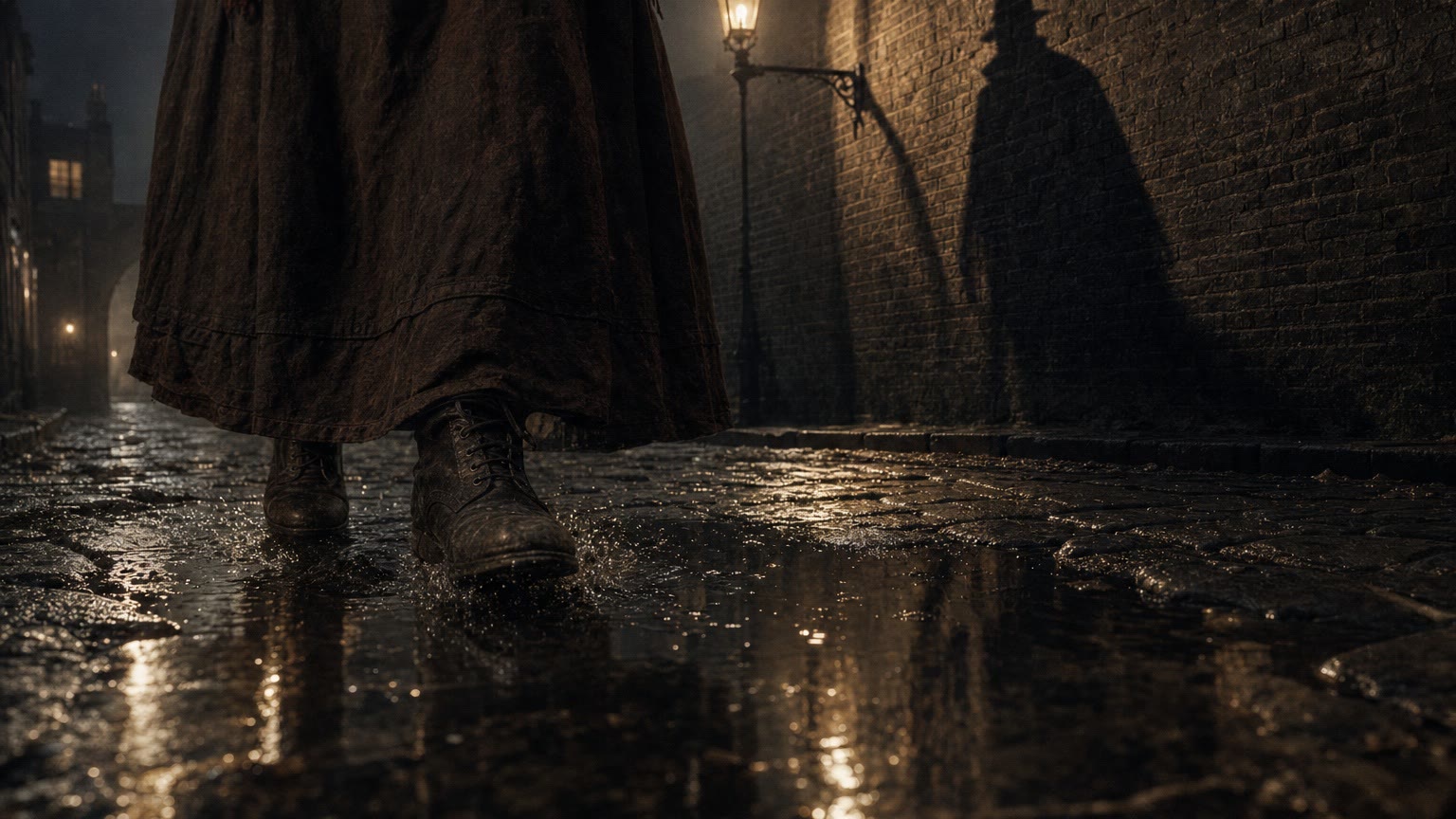
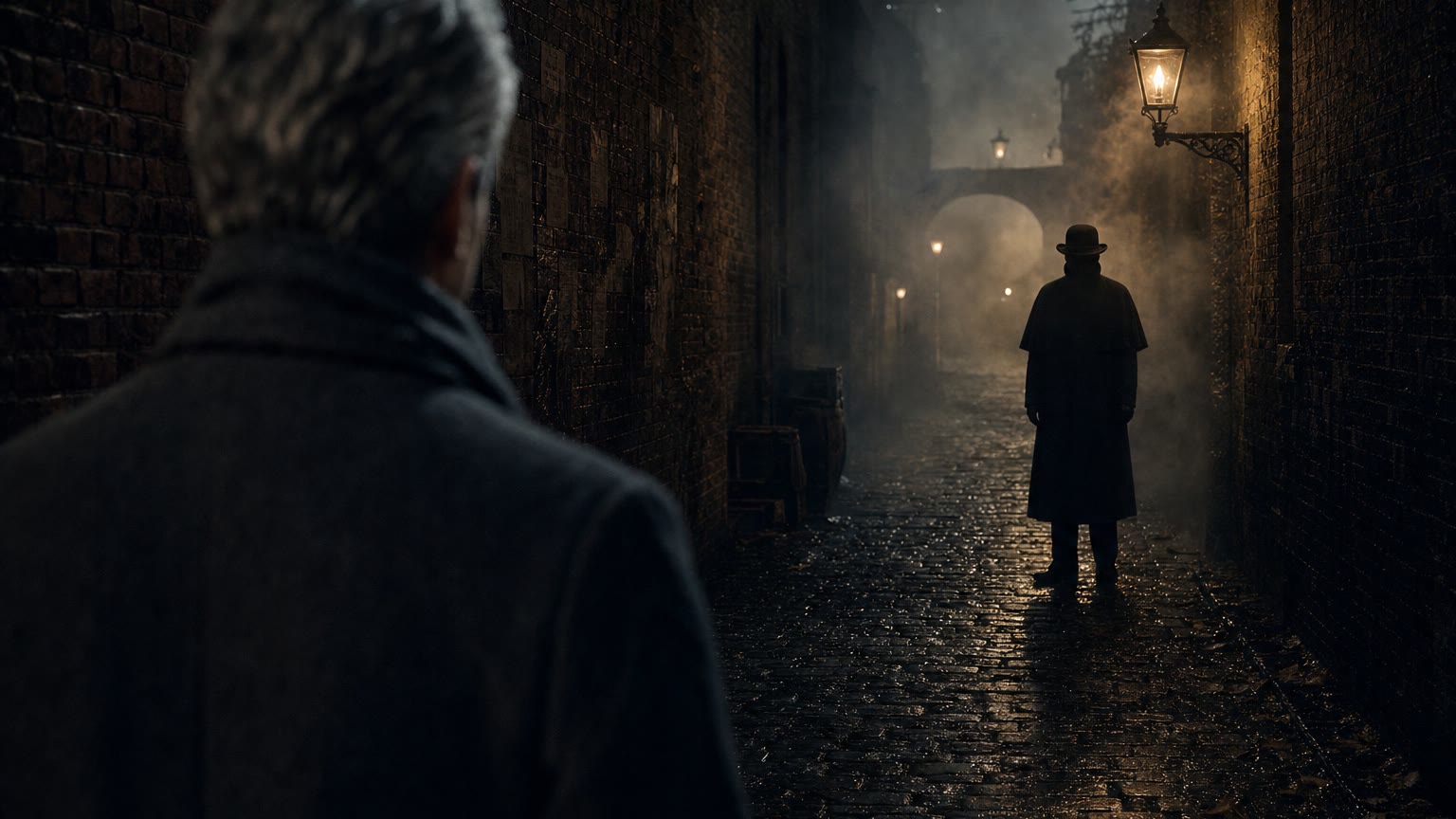
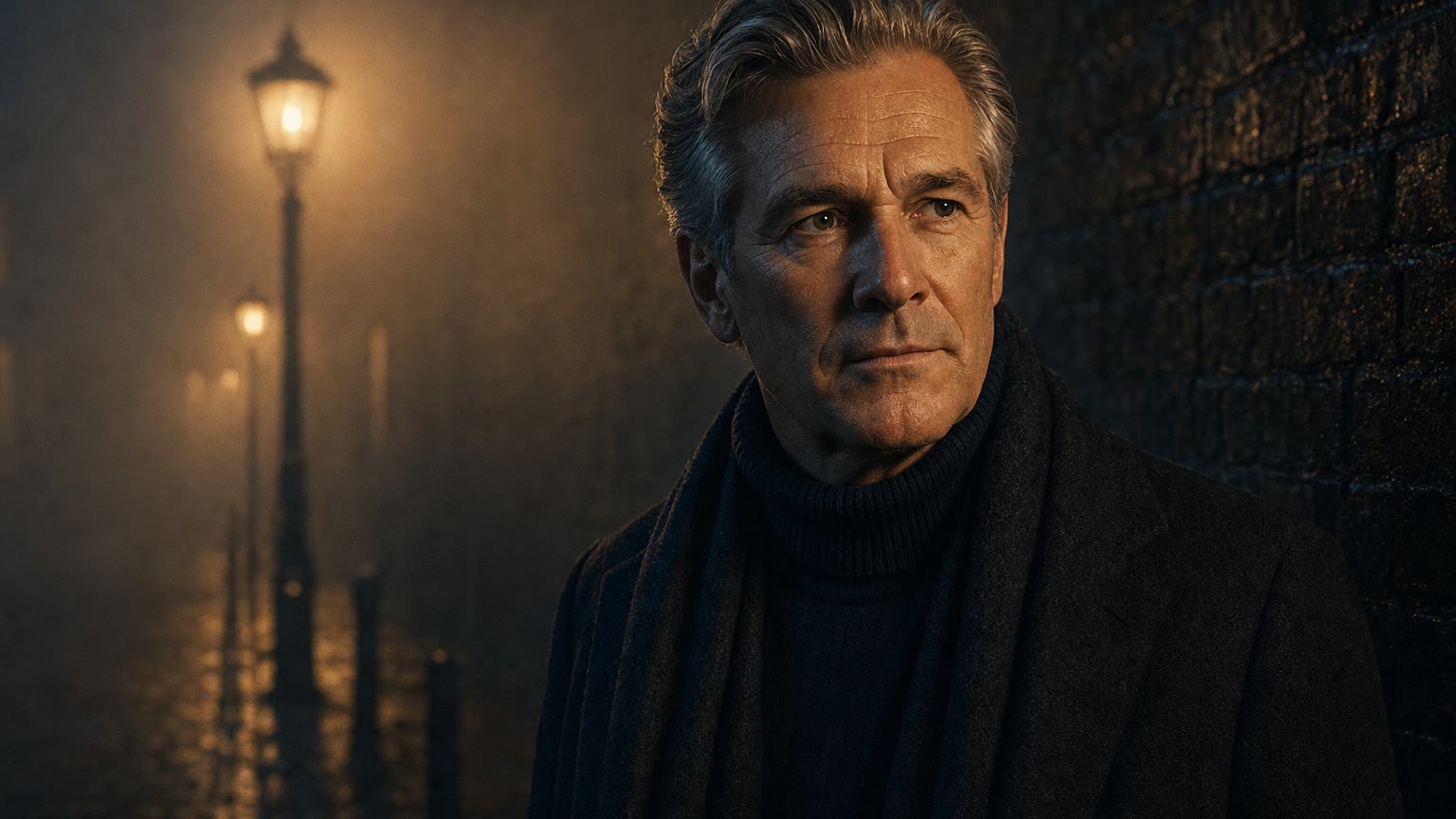
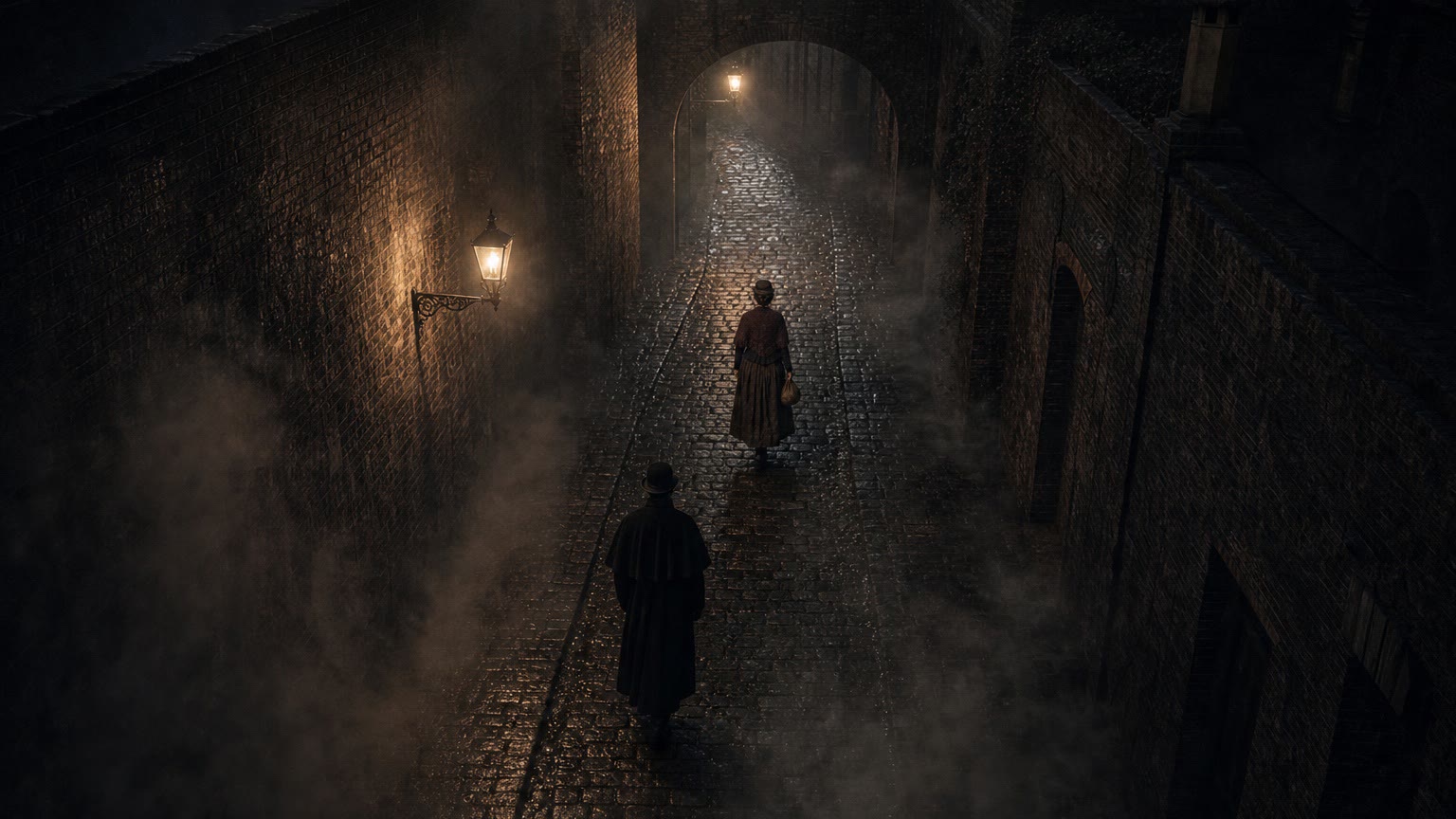
It suits period drama, historical reconstruction and any location that's gone, too costly or out of reach. The example here is The Watcher, a greybox test for a Victorian reconstruction.
Workflow demo · all images AI-generated
The workflow in one minute, narrated by Sam Wilkinson.
Stills in GPT Image · video in Omni 1.1 Flash on Google Flow · the transform in Omni V2VDrag to compare
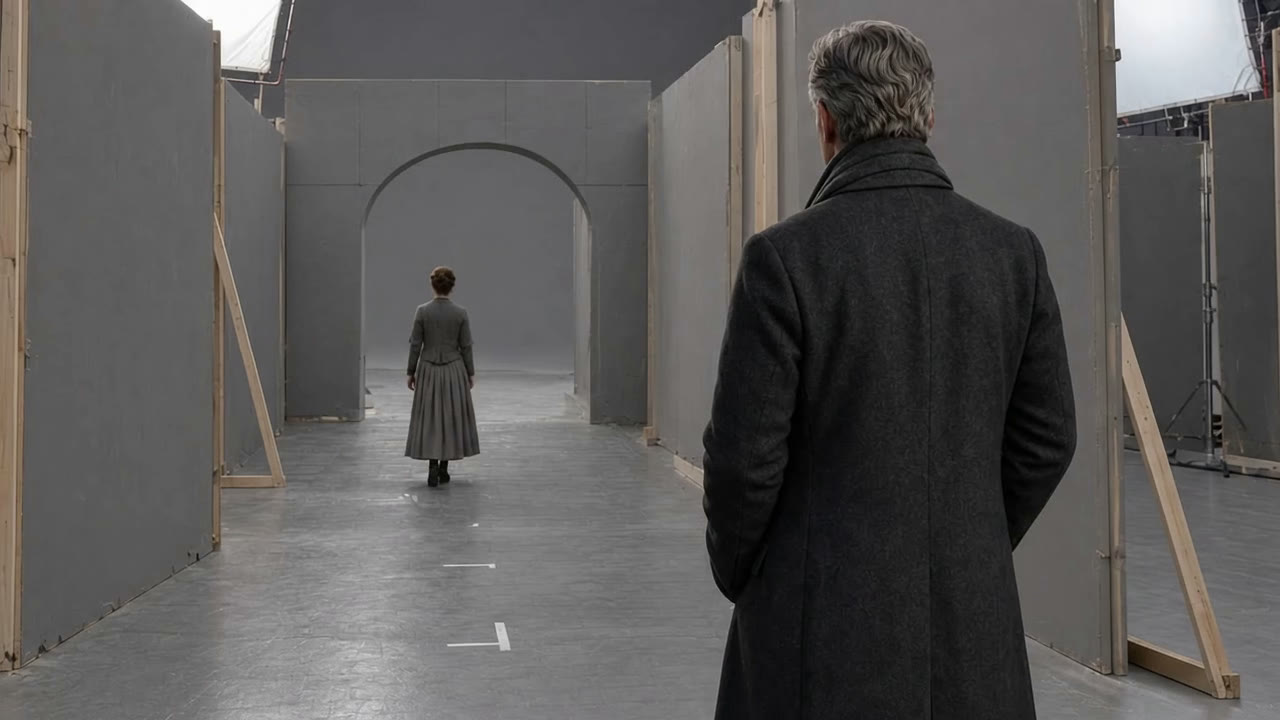
The same take, before and after. Left of the line is the greybox plate as it was shot; right of the line is the finished frame. Drag the handle, or focus it and use the arrow keys.
Workflow demo · all images AI-generated
Six steps, from the grey room to the edit
Workflow demo · all images AI-generated
- 01
Greybox
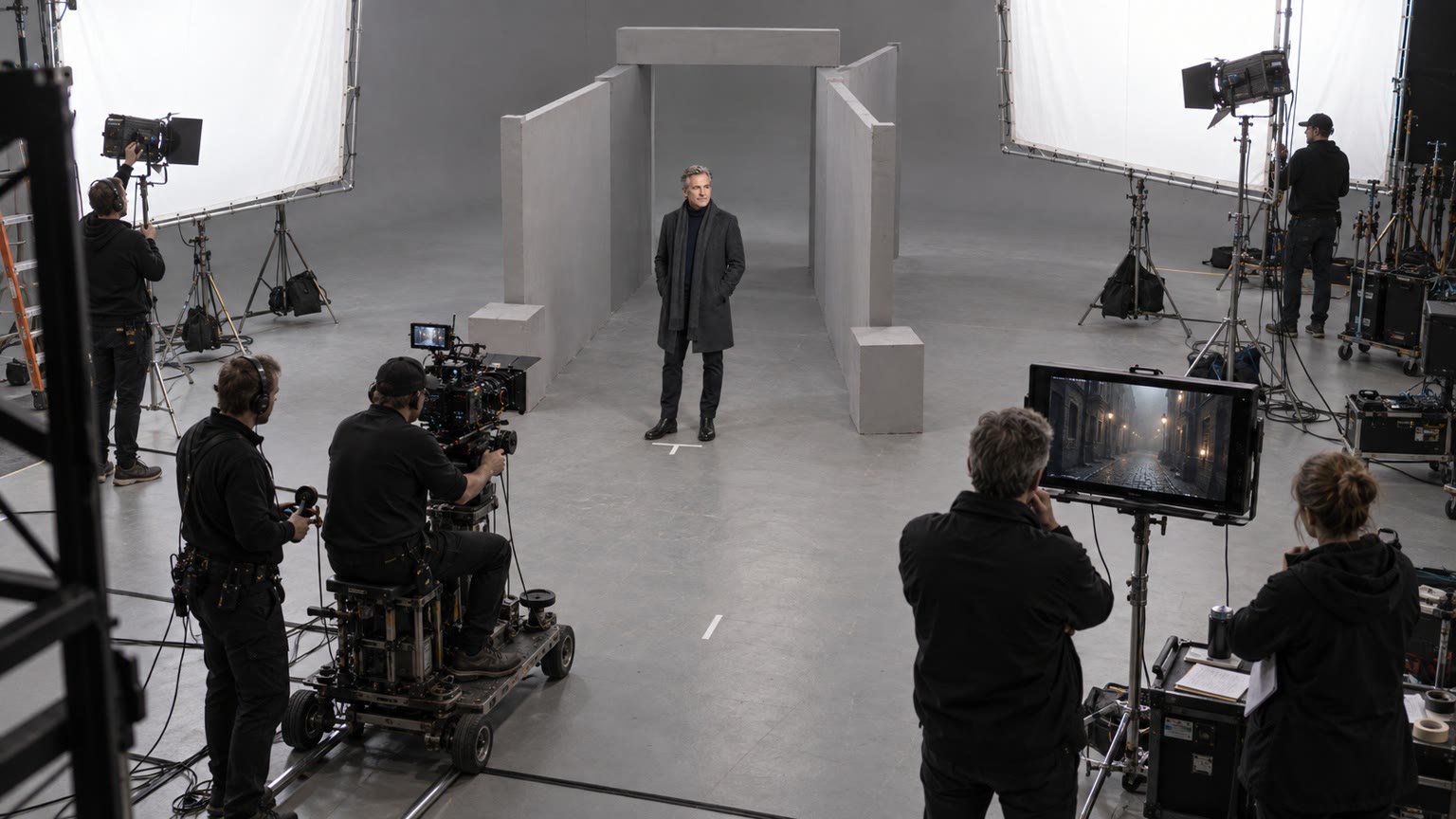
The performance is filmed for real in a grey studio, with a few flats and some tape on the floor. It's lit roughly the way the finished scene will look.
- 02
Frame one
The first frame becomes the design stage. The world is built on that one still, from period reference, and signed off before anything moves.
Before 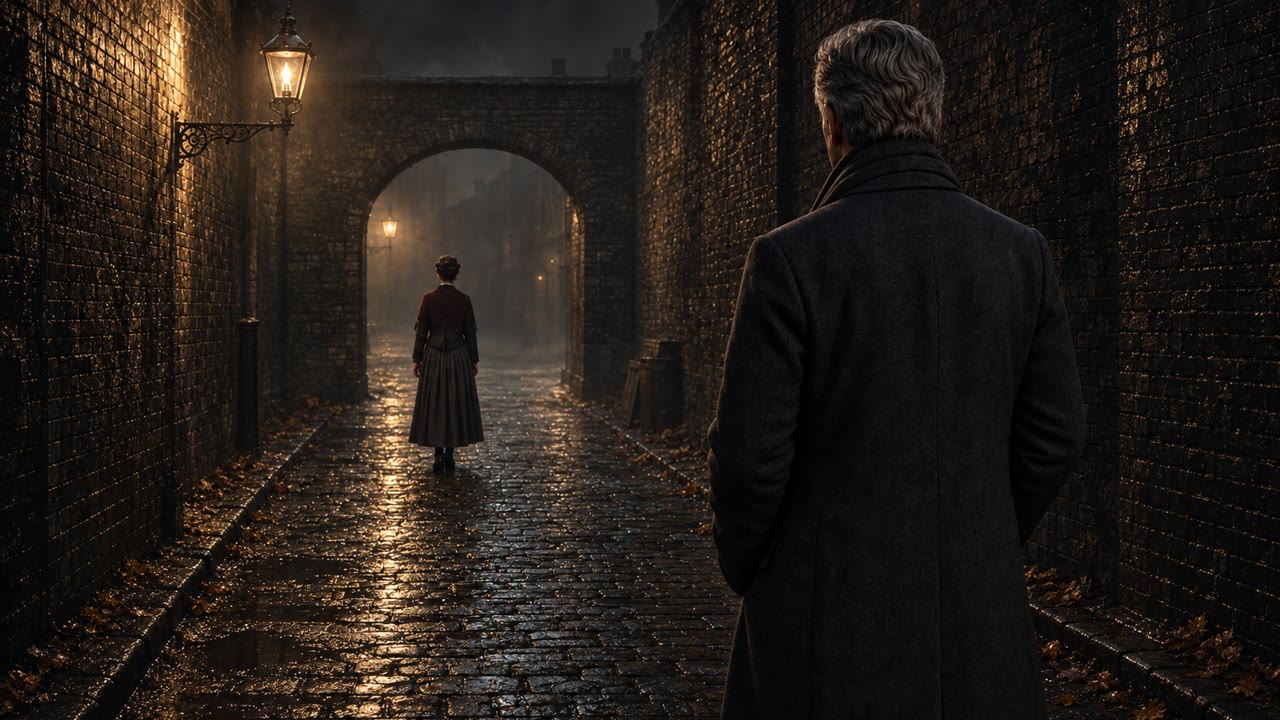
After - 03
Depth
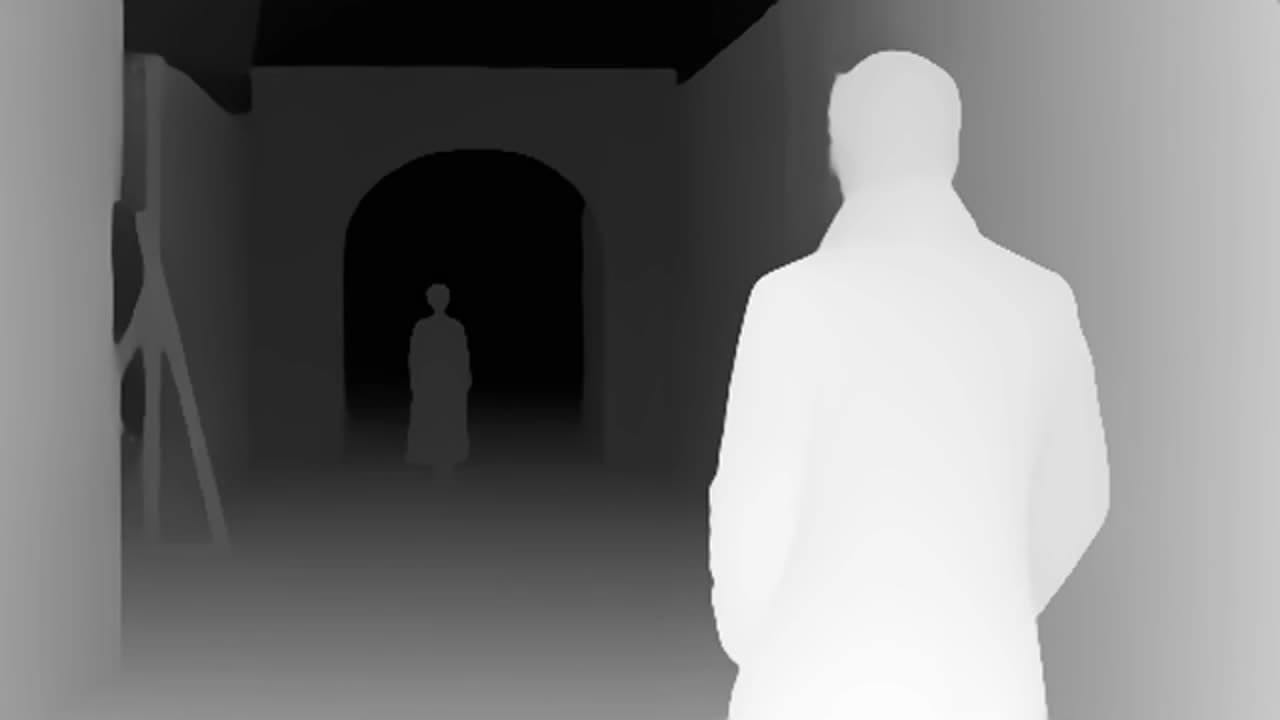
A depth pass maps where everything sits in the room.
- 04
Transform
The clip goes through the model and comes out in the new world, with the actor's timing and the camera move intact.
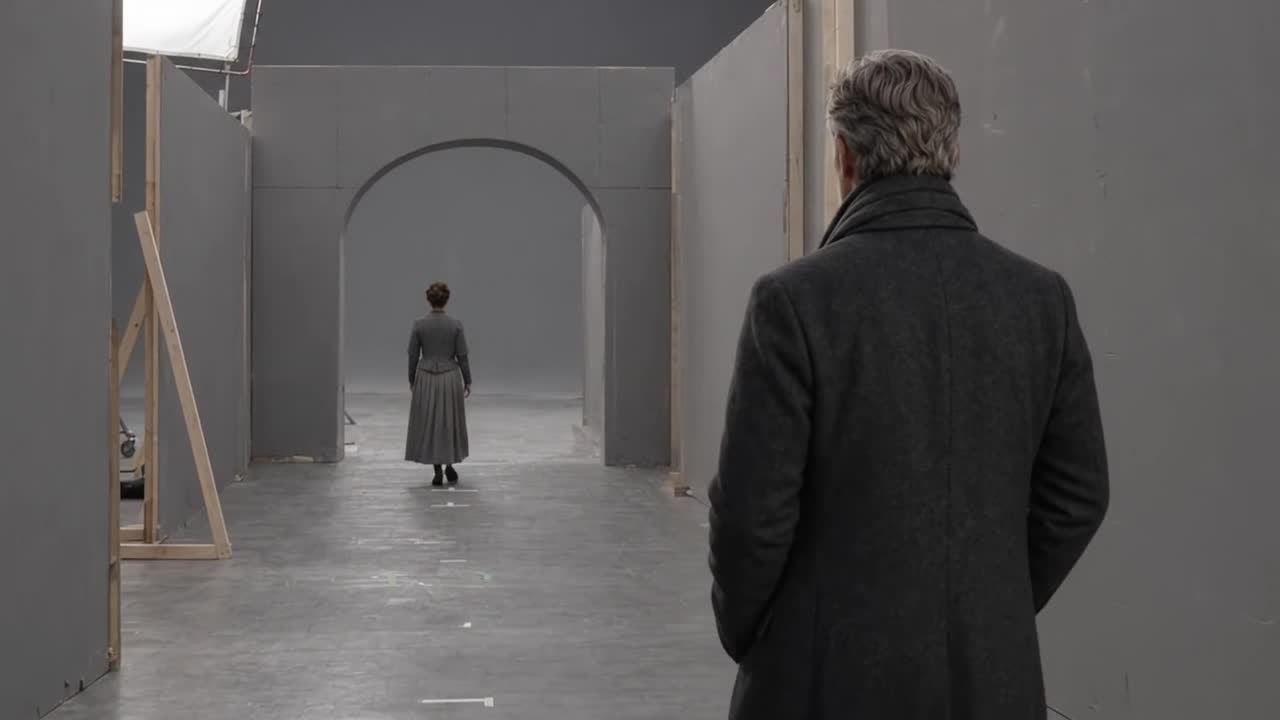
Plate 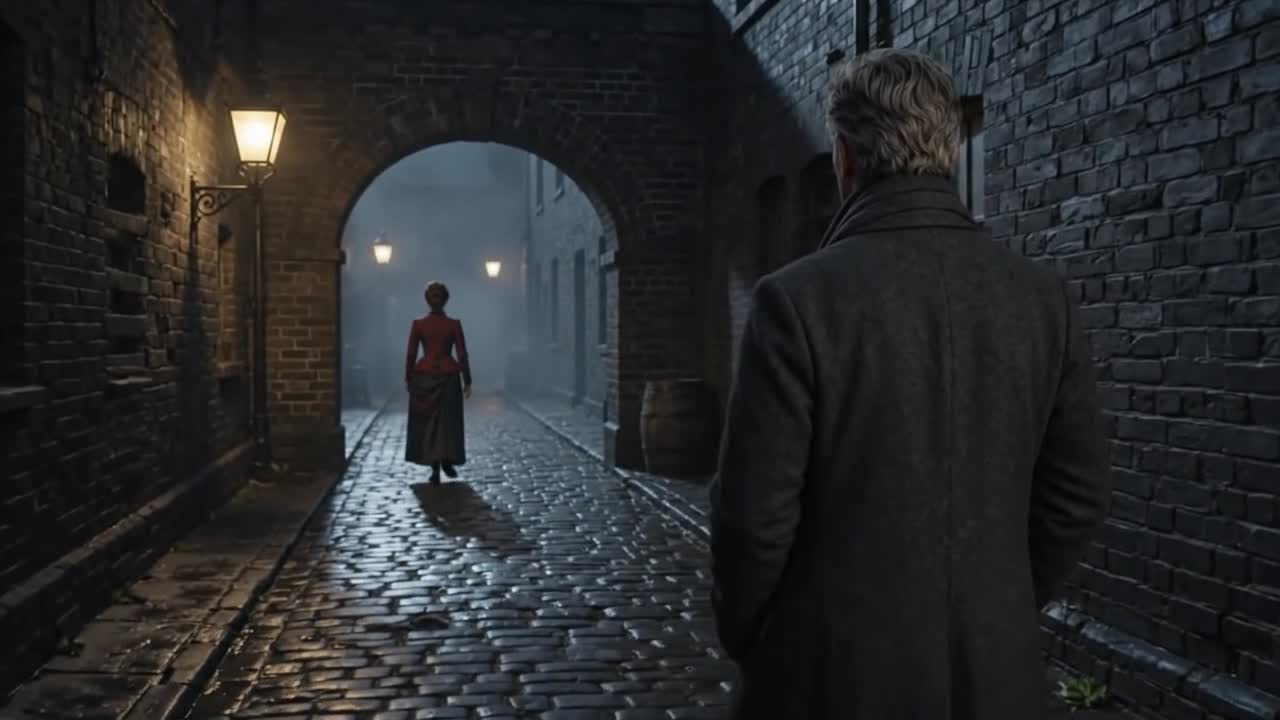
Final - 05
Sign-off
Every shot reaches the producer as a still first. Anything that doesn't work is redone before it's animated.
- 06
Delivery
Approved shots go straight into the edit with notes attached, ready to cut.
Sheets and approved keyframes
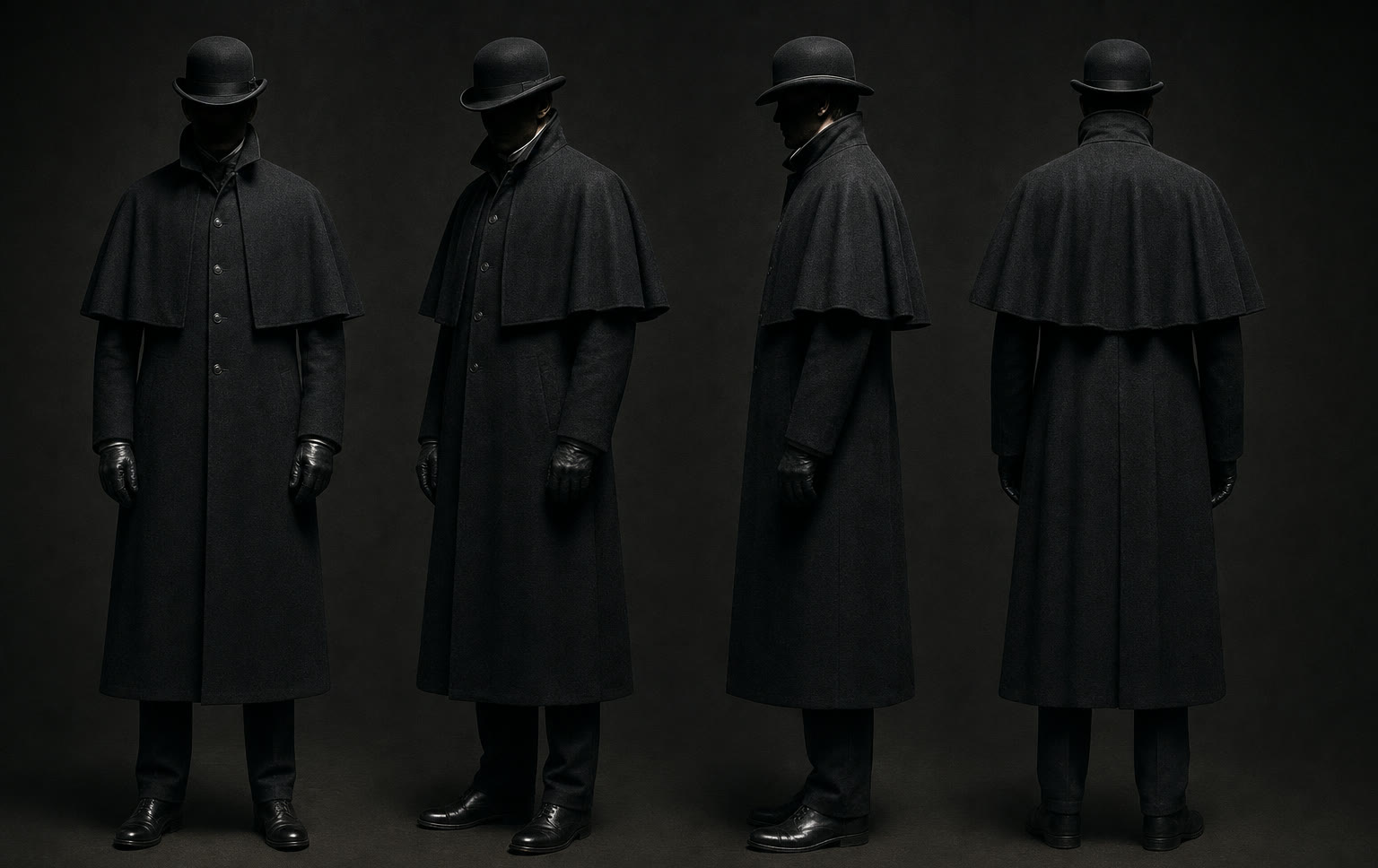
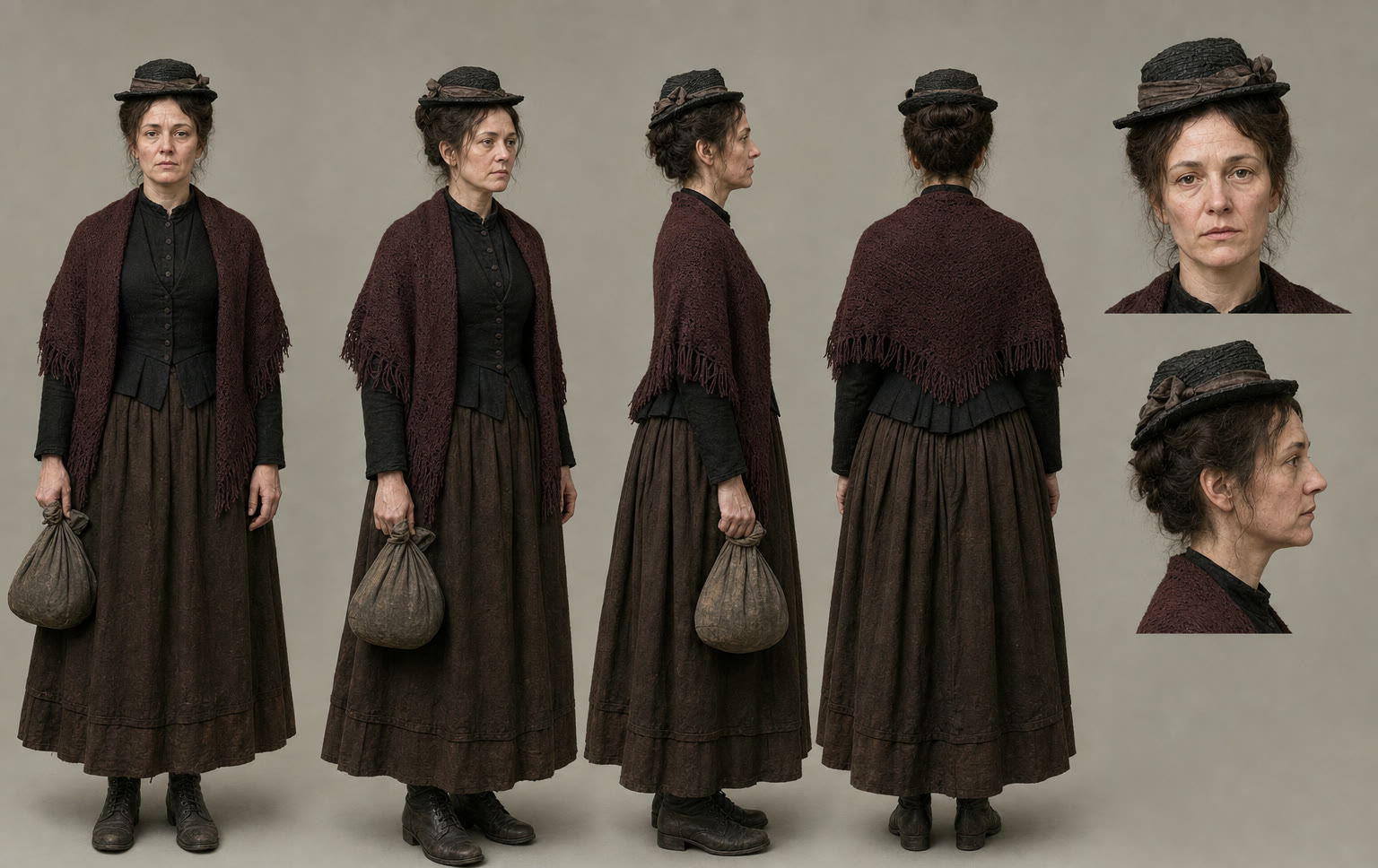
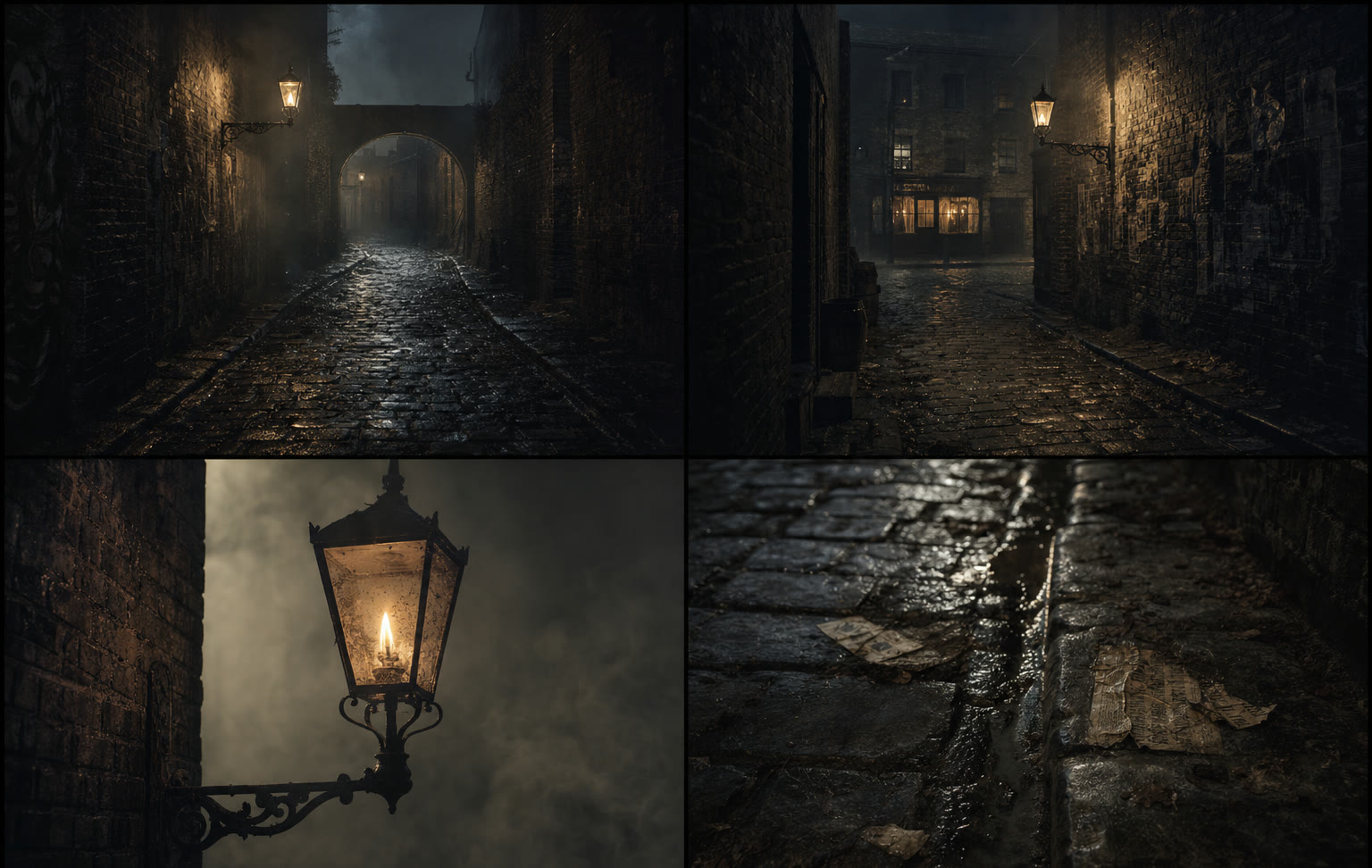
Characters and locations are drawn up as sheets before any shot is made, so every frame is built from the same references. The seven keyframes below were approved as stills before they were animated.
Workflow demo · all images AI-generated
Stand where it stood.
Watch it come back.
The Crystal Palace burned down in 1936. This teaser starts in the park at Sydenham today, rebuilds the glass palace as it was in 1899 from archive reference, fills it with visitors, then brings back the night it burned.
It shows how a history series can put a presenter in a place that no longer exists, and move between then and now in a single shot. The presenter here is an AI stand-in.
All images AI-generated · presenter is an AI stand-in
A period reconstruction teaser: the Crystal Palace, Sydenham, 1899 and 1936.
Rebuilt from archive reference · all images AI-generatedTV is changing channels.
Everyone's coming along.
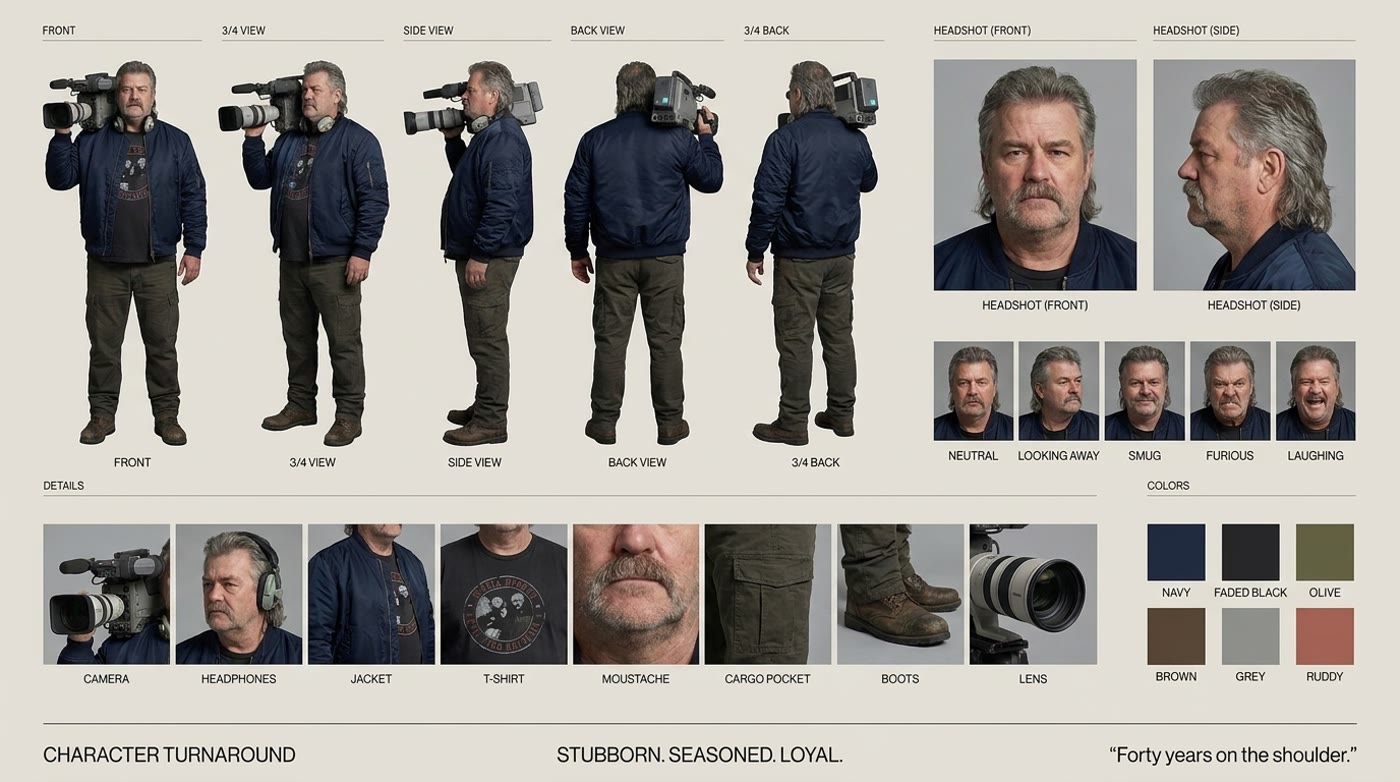
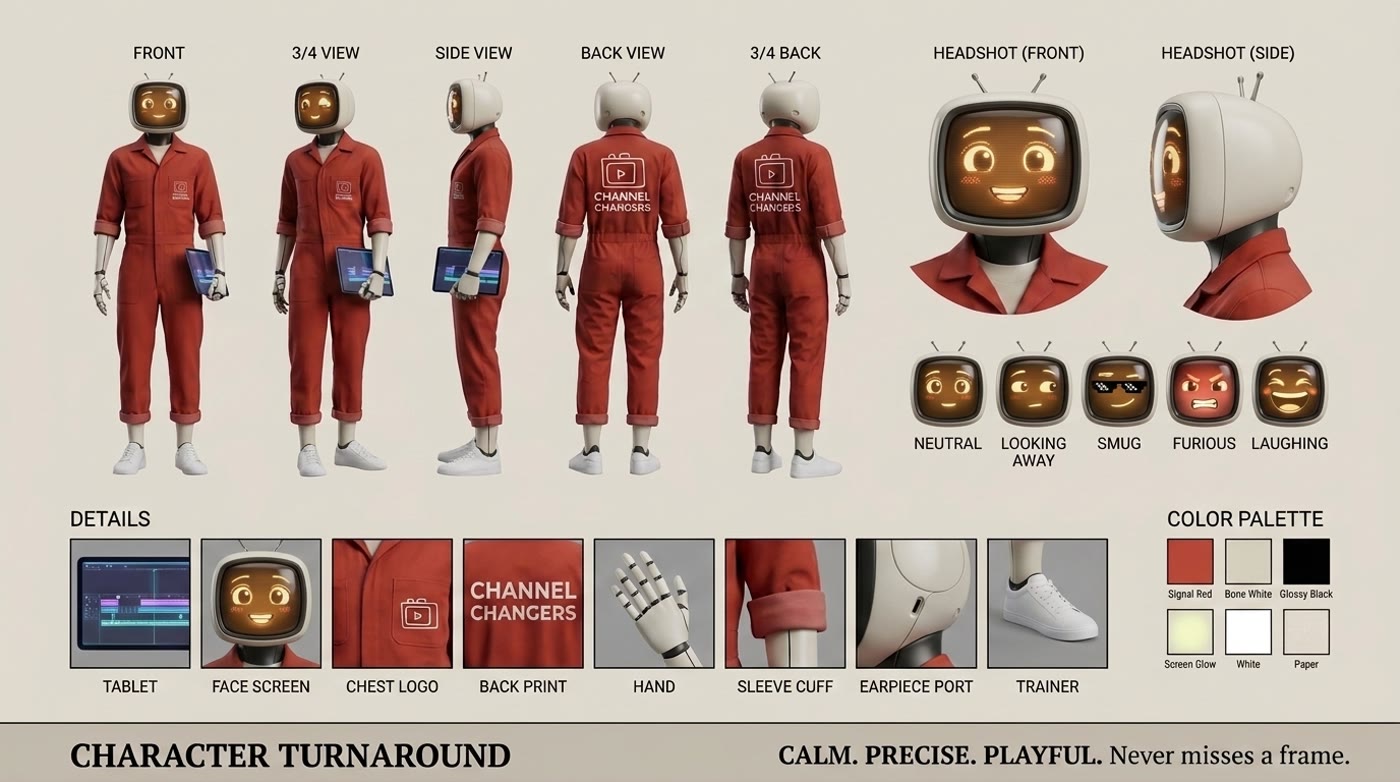
The old way and the new way, in one gondola. Two character sheets, one location and a fight that returns to its opening frame. It's a 28-second loop built through the same workflow we bring to a series, where every character has to look like themselves in every shot.
From the script
to the sofa.
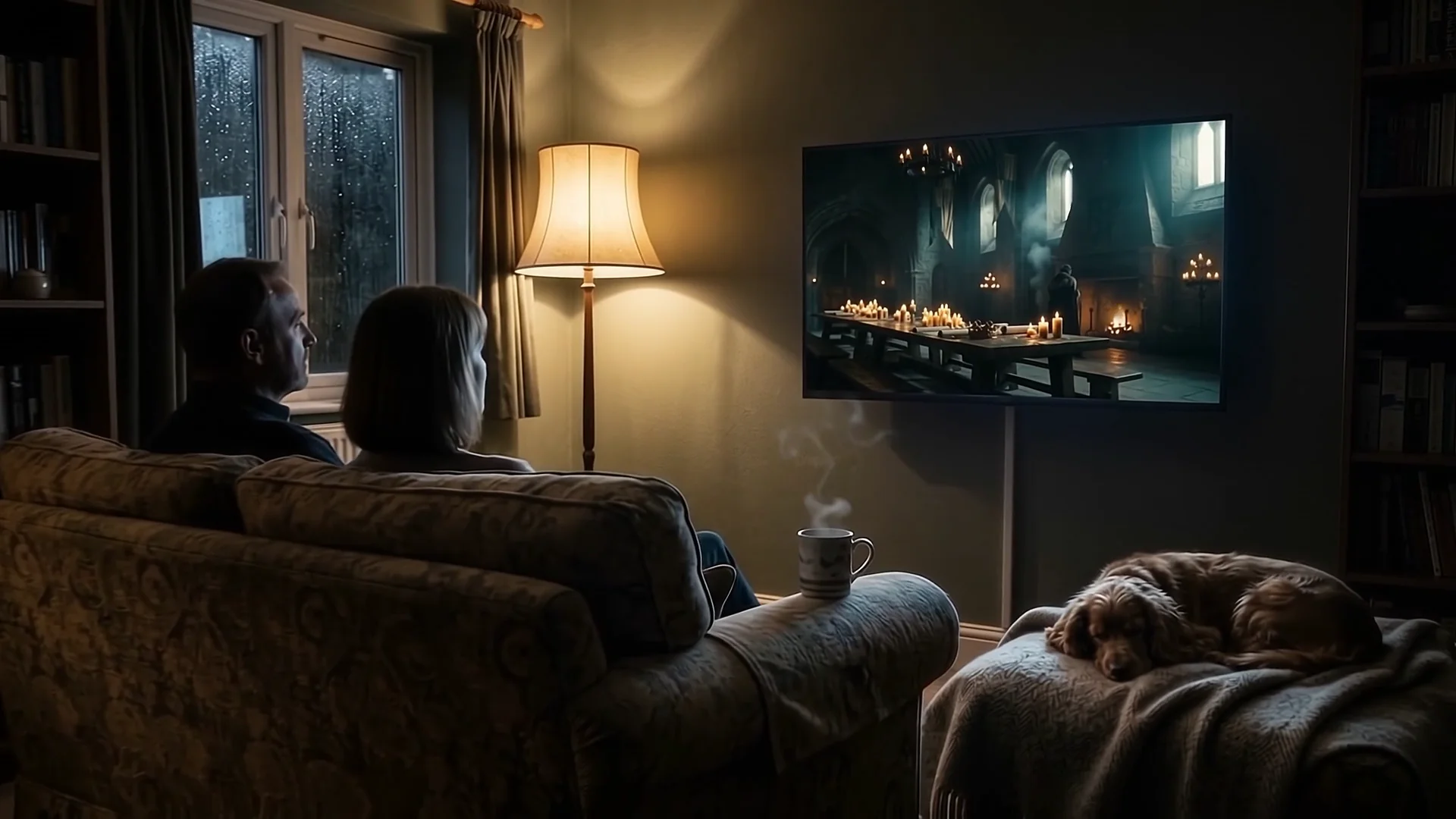
This is the production workflow behind the scroll film on our homepage. One script goes in at the top. What comes out is a cut, graded programme on a living room telly, with every shot traceable back to the page.
- 01
The brief
Every script is broken into shots, references and a continuity passport before anything is generated.
- 02
The board
Our platform tracks each frame from prompt to approval, so the edit always knows what it's cutting.
- 03
The world holds
Same castle, same crown, same candlelight, episode after episode.
- 04
On air
Cut, graded and on air.
AI film and television,
answered.
What is Channel Changers?
Channel Changers is a UK AI studio for television and brands. It is directed by Sam Wilkinson, a television series director with more than 20 years in production, working with a circle of trusted collaborators.
How does AI fit into a television production?
We build AI workflows around the departments a production already has: development and editorial, research and archive, the production office, direction and camera, art and continuity, edit and post, sound and voice, and compliance and delivery. AI handles repeatable work such as searching, logging, drafting and generating. The team keeps the creative and editorial decisions.
Does AI replace the production team?
No. Our approach is augmentation. People set the brief, review every output and approve every creative and editorial decision. Named members of the production keep authorship and sign-off.
Can AI keep a character or world consistent across a series?
Yes. That is what the workflow is built for. Characters start as turnaround sheets and locations as reference images, and every shot and version is logged on one production board, so the same world holds from episode to episode.
What kind of shots can you make that a crew can't?
Period worlds, gaps in the archive, places you would never get a permit for, and the same world held across a whole series. We hand editors frames that are ready to cut.
Do you make branded films as well as television?
Yes. We have made films for Darwinium, ThreeFold Energy, Botivo, Domus Nova and Boredom — Joy at Work. You can see them on the Branded page.
Which AI tools do you use?
We choose tools shot by shot. Recent work has used ComfyUI with Seedance for video and Nano Banana Pro on Google Flow for character sheets and stills. The Gondola workflow page shows one production end to end.
How much does a project cost, and how long does it take?
Every project is scoped to its brief, so we don't publish a rate card. Cost and schedule depend on running time, the number of worlds and characters, and how deeply we work inside your edit. A short call is the quickest way to get a figure.
How do we start a project?
Book a time on the live calendar or email sam@channelchangers.co with the brief.